Take your NumWorks Calculator with you everywhere you go!
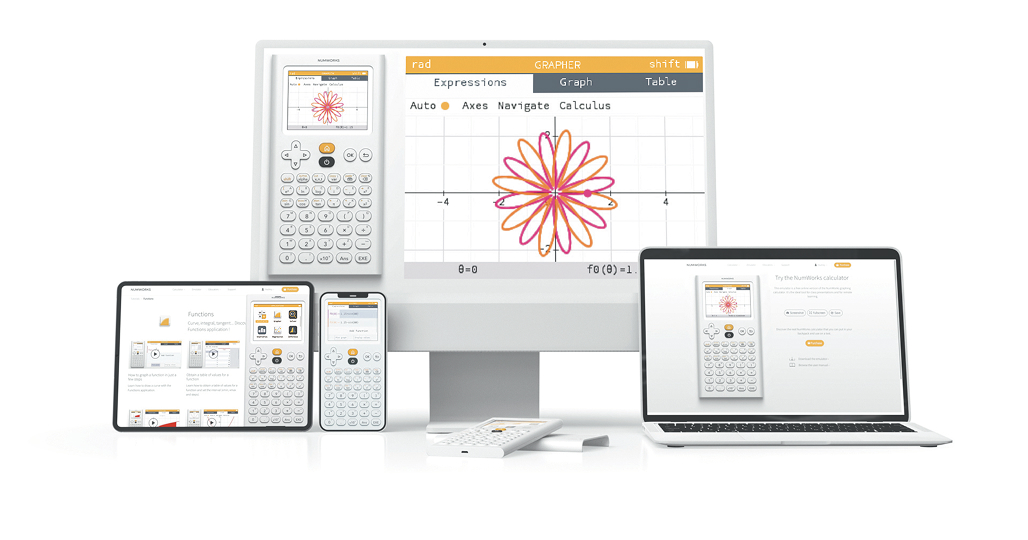
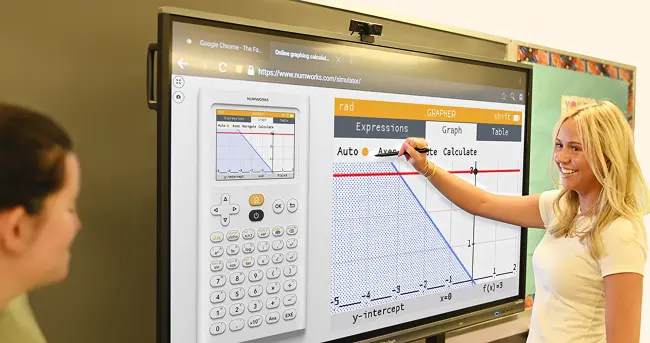
Access the NumWorks calculator offline on your computer, phone or tablet, at no cost. These tools are designed to mirror the handheld calculator perfectly so students and teachers can move seamlessly between them.
Download the emulator for offline use
No internet? No problem. Our offline emulator gives you full access to the calculator. Ideal for computers in and out of the classroom.
Get the NumWorks app on your devices
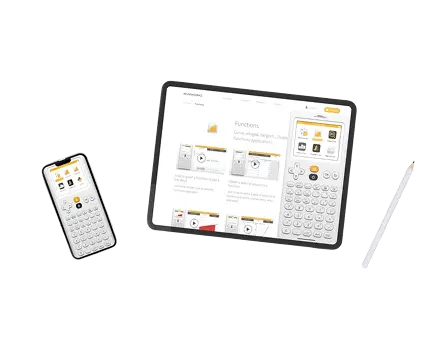
Download our free app to transform your phone or tablet into a graphing calculator. Whether you're on the go or working in class, everything you need is at your fingertips.


Frequently Asked Questions
-
1. Is the emulator really free to download?
Yes! Both the emulator and app are completely free to use.
-
2. Do I need an internet connection for the emulator?
No! Once downloaded, the emulator works entirely offline.
-
3. Where can I download the phone app?
You can find it on the App Store and Google Play.
-
4. Will the downloaded emulators need to be updated?
Mobile apps update automatically via the App Store or Google Play (if updates are enabled). The downloaded emulator must be reinstalled manually to get the latest version.